
An intranet is a desktop-first place to store information. An employee app is a mobile-first channel to reach people. The intranet holds documents, policies, and pages your team searches when they need them. The app pushes news, updates, and conversation to people wherever they are. Most organizations need both jobs done. The mistake is assuming one tool does both well.
That assumption is why so many intranet projects quietly fail. A communications team builds a polished intranet, then watches the analytics show that only head-office staff ever log in. The people on the shop floor, in the ward, or out in the field never had a way in.
So before you renew a SharePoint contract or scope a new build, it helps to separate the two jobs.
What an intranet does
An intranet is your organization’s internal reference library. It’s where information lives so people can find it later.
Its core jobs:
- Store and version documents, policies, and forms
- Host static pages: HR resources, IT guides, org charts, team sites
- Provide search across all of that content
- Manage permissions so the right people see the right files
An intranet is built around retrieval. Someone has a question, they go looking, they find the page. It works well when your audience sits at a desk, has a company account, and already knows the intranet exists. SharePoint, Confluence, and most legacy intranets fit this mould.
The weakness is reach. An intranet waits for people to come to it. If a message matters, “we posted it on the intranet” rarely means anyone read it. The gap is measurable: in one 2025 survey of internal-comms leaders, 80% rated their communication effective, but only 53% of employees agreed.
What an employee app does
An employee app is a mobile-first channel for both communication and community. It’s where messages go out, and where people respond.
Its core jobs:
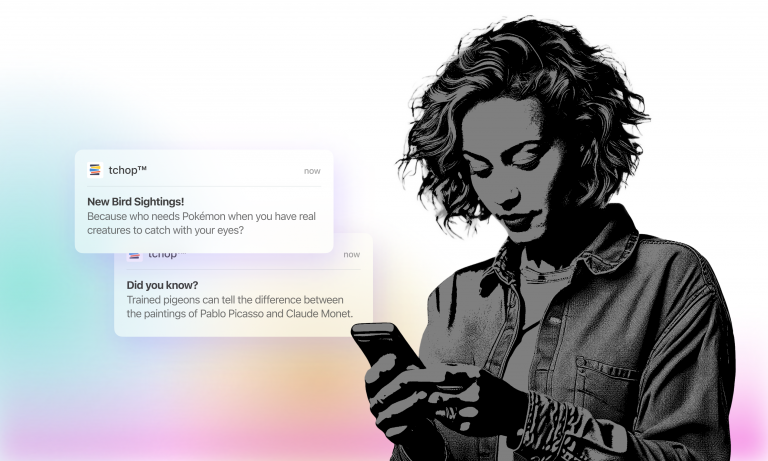
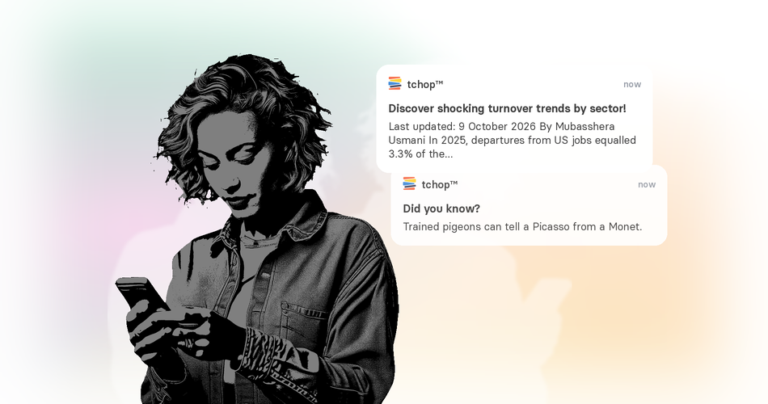
- Push news and urgent updates straight to a phone
- Reach deskless and frontline staff without a corporate email, VPN, or company device
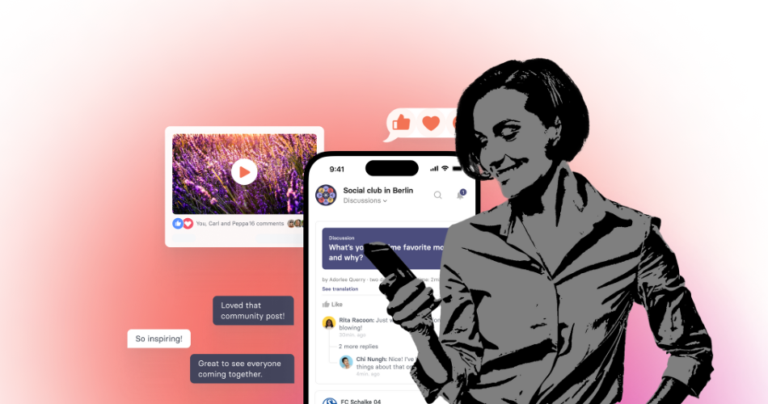
- Carry two-way features by default: comments, replies, reactions, polls, chat
- Run as a white-label native app in your own brand, not a vendor-skinned portal
- Personalize what each role or location sees
An employee app is built around delivery and participation. You don’t wait for people to check in. You reach them, and they can respond. This is the job an intranet was never designed for, and it’s the gap most organizations feel.
This is also where the deskless problem gets solved. Around eight in ten of the global workforce don’t sit at a desk. A mobile-first employee app reaches them on the device they already carry, which a desktop intranet can’t.
The core difference, in one table
| Intranet | Employee app | |
|---|---|---|
| Primary job | Store and find information | Reach people and spark participation |
| Direction | Pull (people come to it) | Push (it comes to people) |
| Default device | Desktop | Mobile |
| Reaches deskless staff | Rarely | Yes |
| Needs a work account | Usually | No |
| Strength | Documents, search, governance | Speed, reach, engagement |
Read it as two different jobs, not two competing products. One is a filing system. The other is a megaphone with a reply button.
Which one do you actually need?
Start from your workforce, not the tool.
You mainly need an intranet if your people are desk-based, already have company accounts, and your real problem is scattered files and weak search. A document layer like SharePoint earns its place here.
You mainly need an employee app if a large share of your workforce is deskless or distributed, important messages go unread, and you have no reliable way to reach the frontline. This is the typical internal comms problem, and a static intranet won’t fix it.
You need both jobs covered if you’re a larger enterprise with a mix of office and frontline staff. You want a place to store reference material and a channel that reaches everyone. The open question is whether that means two tools or one.
The honest call comes down to a few concrete factors: how much of your workforce is deskless, your connectivity and device reality, data-sovereignty and compliance needs, and team size. Weigh those before the feature list.
Can one tool do both?
Sometimes. A modern intranet, sometimes called a frontdoor intranet, brings the two jobs together: a mobile-first home base where people find information and receive communication. Instead of a desktop portal nobody opens, it’s an app people check because something is waiting for them. The category is moving this way. The intranet’s future is increasingly framed as an “employee hub”: one front door that unifies information, communication, and the tools people use every day.
That’s the role tchop plays for internal comms teams. It works as a front-door hub on mobile and web: news, push notifications, dialogue, and key resources in one branded place. AI agents help a lean team handle curation, translation, and distribution, while people stay in control of the message.
For many teams, the practical path isn’t “intranet or app.” It’s keeping a document system for files and adding a channel that actually reaches the workforce. If your current “intranet” is really a SharePoint instance you’re trying to stretch into a comms tool, that’s exactly where it breaks: it serves the people at a desk and misses everyone else.
AOK, one of Germany’s largest health insurers, uses tchop to reach a distributed healthcare workforce, including clinical staff who never sit at a desk. That’s the case a desktop intranet was never built to serve.
FAQ
Is an employee app the same as an intranet?
No. An intranet stores information for people to find. An employee app delivers communication to people and lets them respond. They solve different problems, which is why many organizations run both, or use a modern intranet that combines the two.
What should replace our old SharePoint intranet?
If the goal is document management, you may not need to replace SharePoint at all. If the goal is reaching and engaging employees, especially deskless staff, add a mobile-first employee app. Many teams keep SharePoint for files and use a separate app as the communication channel.
Do you need both an intranet and an employee app?
Larger enterprises with mixed office and frontline workforces usually need both jobs covered. You can do that with two tools or with one modern intranet that handles storage and communication together. Smaller or fully deskless teams often need only the app.
How do you reach employees who don’t have a work email?
Use a mobile-first employee app that works without a corporate email or VPN. People sign in on their own phones, and you reach them with push notifications instead of relying on an inbox they don’t have.
See it with your own branding
If your messages aren’t reaching the whole workforce, a mobile-first app is the missing piece. Book a 20-minute demo, or get a demo video built with your own app, and see how it would look for your teams.